



How Modern Browsers Improve Stability for Multi-Account Social Media Management
Introduction
Modern social media management requires businesses to operate multiple accounts, publish content consistently, and monitor engagement across different platforms.
However, many automation users face unexpected interruptions:
- Security verification pages
- Login challenges
- Browser compatibility issues
- Failed automated actions
- Unstable account sessions
While these problems may appear to be platform-related, the underlying cause is often the browsing environment used by automation software.
The Growing Challenge of Social Media Automation at Scale
As businesses grow, managing social media manually becomes difficult.
Teams need to handle:
- Multiple brand accounts
- Different social platforms
- Regular publishing schedules
- Customer engagement
- Content monitoring
Automation helps reduce repetitive work, but reliable automation requires more than just software commands.
The browser environment behind automation plays an important role.
Why Browser Environment Matters in Social Media Automation
Social platforms continuously improve their security systems to protect users from suspicious activity.
These systems evaluate many signals, including:
- Browser characteristics
- Session behavior
- Device environment
- Login patterns
- Account activity
When an automation environment does not properly match a normal browsing experience, users may encounter additional verification steps.
How Chromium Updates Improve Automation Stability
Modern websites are built around constantly evolving browser technologies.
Keeping the Chromium environment updated helps automation tools maintain compatibility with current web standards.
A matching browser environment can provide:
Better Website Compatibility
Web platforms frequently update their interfaces and security systems.
A current browser engine helps automation software properly load modern web pages.
More Consistent Browsing Behavior
Users expect automated browsers to behave similarly to normal browsers.
Browser updates help maintain a more natural and reliable browsing environment.
Reduced Technical Errors
Outdated browser versions may cause:
- Page loading problems
- Interface compatibility issues
- Unexpected browser behavior
Why CAPTCHA and Security Verification Appear
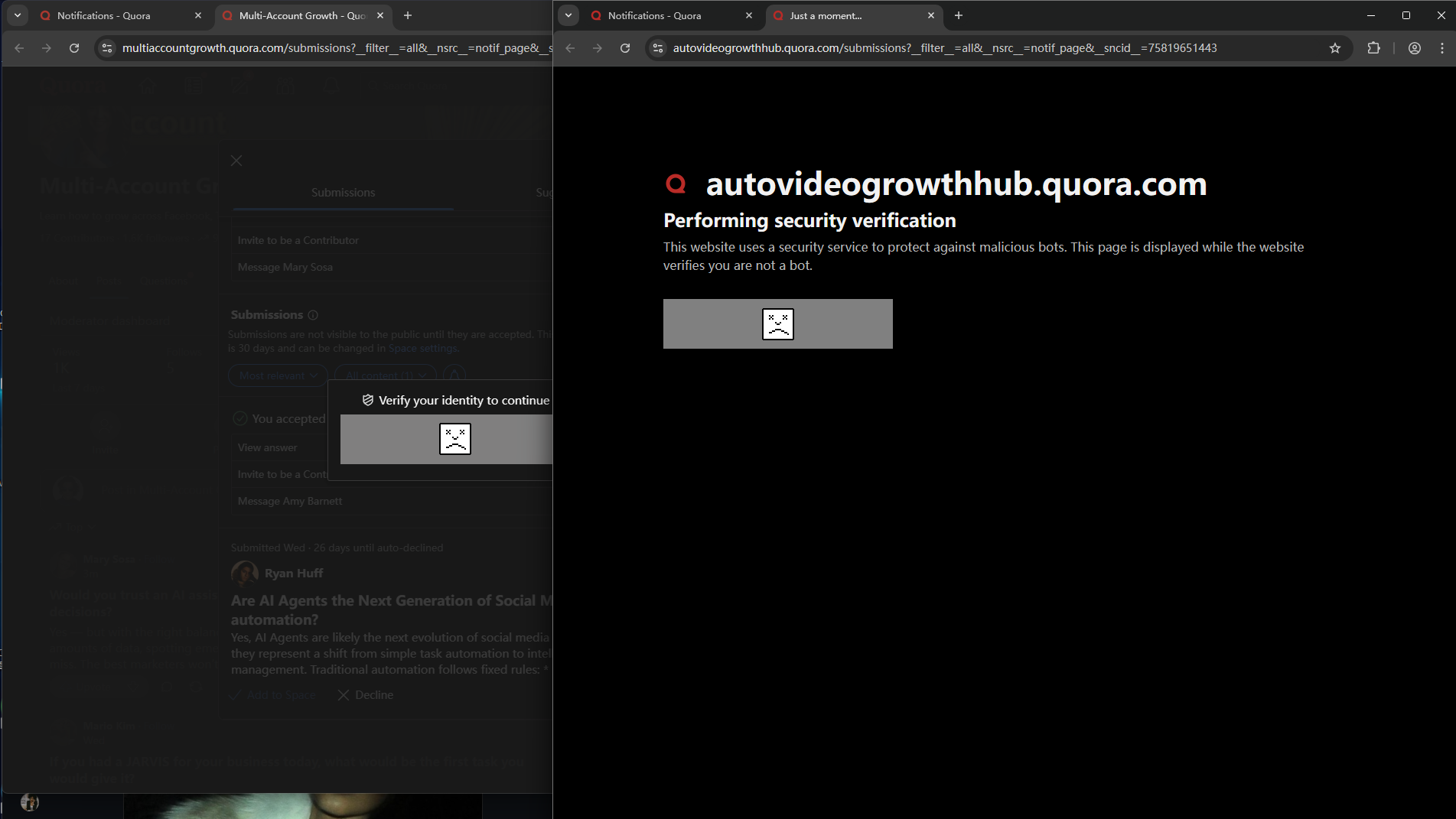
Security verification systems exist to protect online platforms from abuse.
They can be triggered by many factors, including:
- Unusual login patterns
- New devices or environments
- Browser inconsistencies
- Suspicious traffic patterns
Updating the browser environment does not remove security systems. Instead, it helps ensure the automation environment is compatible with normal website behavior.
The Importance of Browser Fingerprinting and Environment Matching
Modern websites do not rely only on usernames and passwords.
They also analyze the overall browsing environment.
A consistent environment helps businesses maintain more stable workflows by reducing unnecessary technical mismatches.
For social media teams managing multiple accounts, reliability depends on:
- Stable browser environments
- Proper account management practices
- Consistent workflows
- Responsible automation usage
How JarveePro Helps Maintain a Reliable Automation Environment
JarveePro provides browser management options designed to help users operate social media workflows more efficiently.
By allowing users to manage browser settings and versions, JarveePro helps users maintain compatibility with modern websites and adapt to browser technology changes.
Recommended practices include:
- Keeping JarveePro updated
- Using recommended browser versions
- Restarting after browser configuration changes
- Monitoring account status regularly
Common Questions Businesses Ask
Why does my social media automation suddenly stop working after an update?
Website interfaces and browser technologies change frequently. Automation tools may require updates to remain compatible with these changes.
Why do websites ask for verification during automation?
Security systems evaluate many signals to protect accounts. Verification does not necessarily mean there is a problem with the account; it can be a response to changes in environment or activity patterns.
Does updating Chromium improve automation performance?
A compatible Chromium version can improve website compatibility and reduce browser-related issues caused by outdated technology.
Why is browser technology important for SaaS automation tools?
SaaS platforms often depend on web interfaces. A reliable browser environment helps software interact with modern websites more consistently.
Summary
As social media platforms continue to evolve, reliable automation requires a modern and compatible browser environment. Outdated browser technology can lead to compatibility issues, interrupted workflows, and unnecessary verification challenges.
By keeping the Chromium environment updated and aligned with current web standards, businesses and agencies can maintain smoother social media operations across multiple accounts. Browser compatibility is an important foundation for successful automation, helping teams focus on growth, engagement, and content management instead of technical issues.